Desktop CAD/CAM for Windows

Design it. Dimension it.
Make it.

Cahaba Studio is a parametric CAD program built for people who make real parts: one-time purchase, works offline, and your files are yours.

No credit card for the trial. No subscription after it.
Parametric, all the way down

Every feature keeps its inputs. Change a sketch dimension or a named parameter and the model rebuilds from its history.

Sketches that behave

Geometric constraints and dimensions are one model, solved live. Type 1/4", 6mm or wall + 2 anywhere a length goes.

From model to machine

Flat outlines and nesting for the laser or router today; a CAM workspace for mills and lathes is in development.

In use

See it at work.

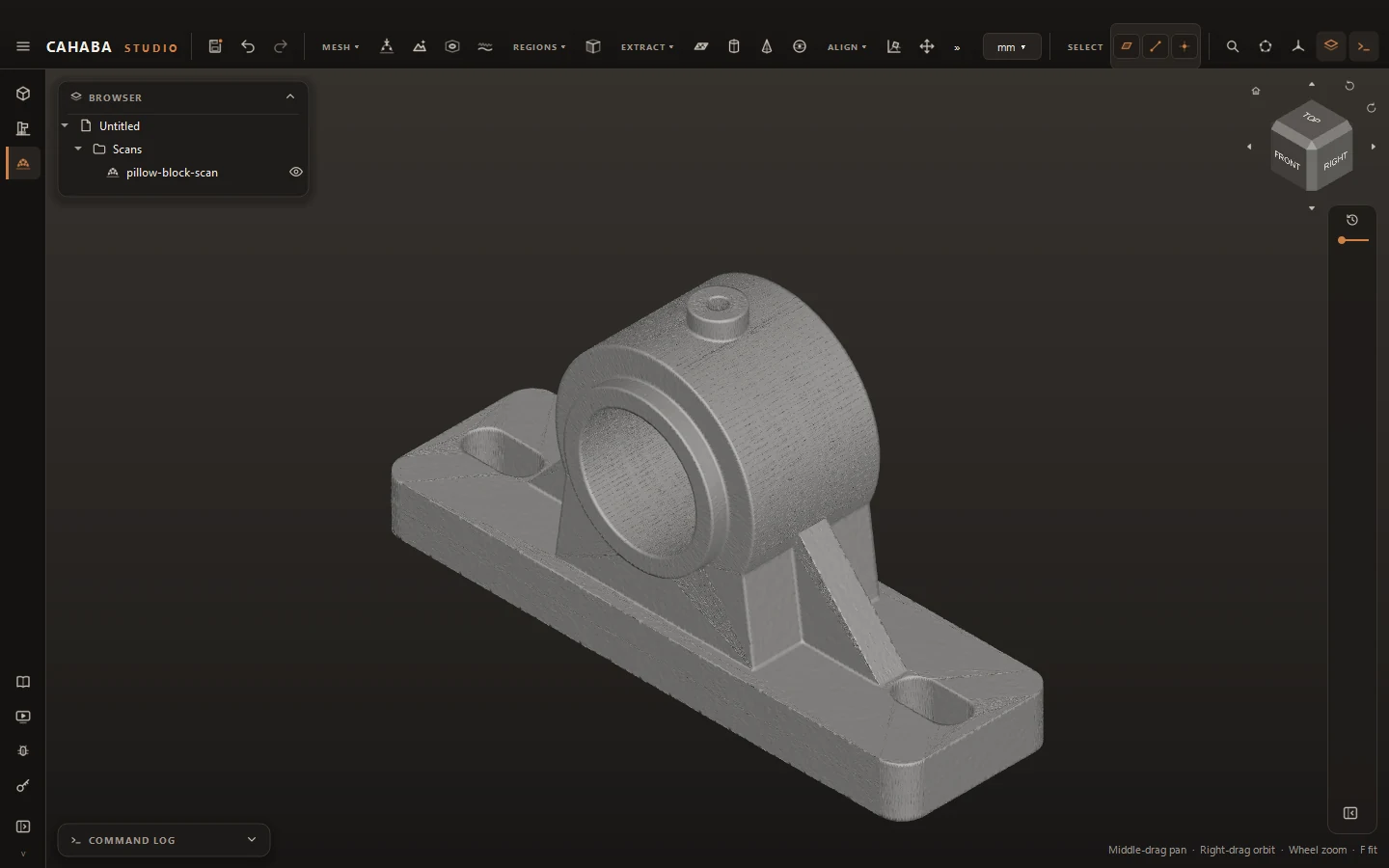
Cahaba Studio: Start from a scan
Start from a scanBring in the mesh from your 3D scanner, noise and all. Here, a worn pillow block bearing housing.
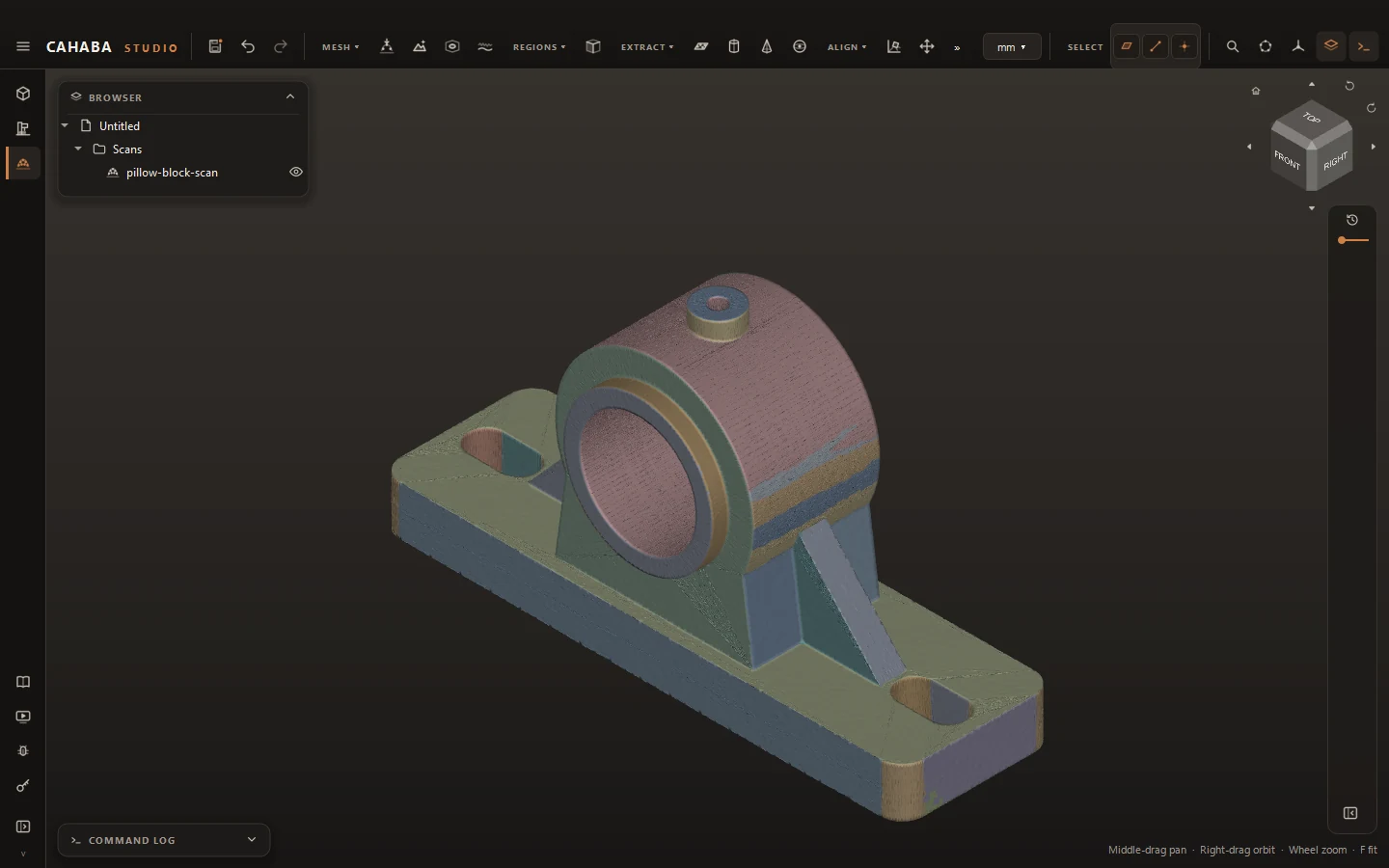
Cahaba Studio: Find the faces in it
Find the faces in itAuto Regions sorts the scan into the planes and cylinders the part was made from.
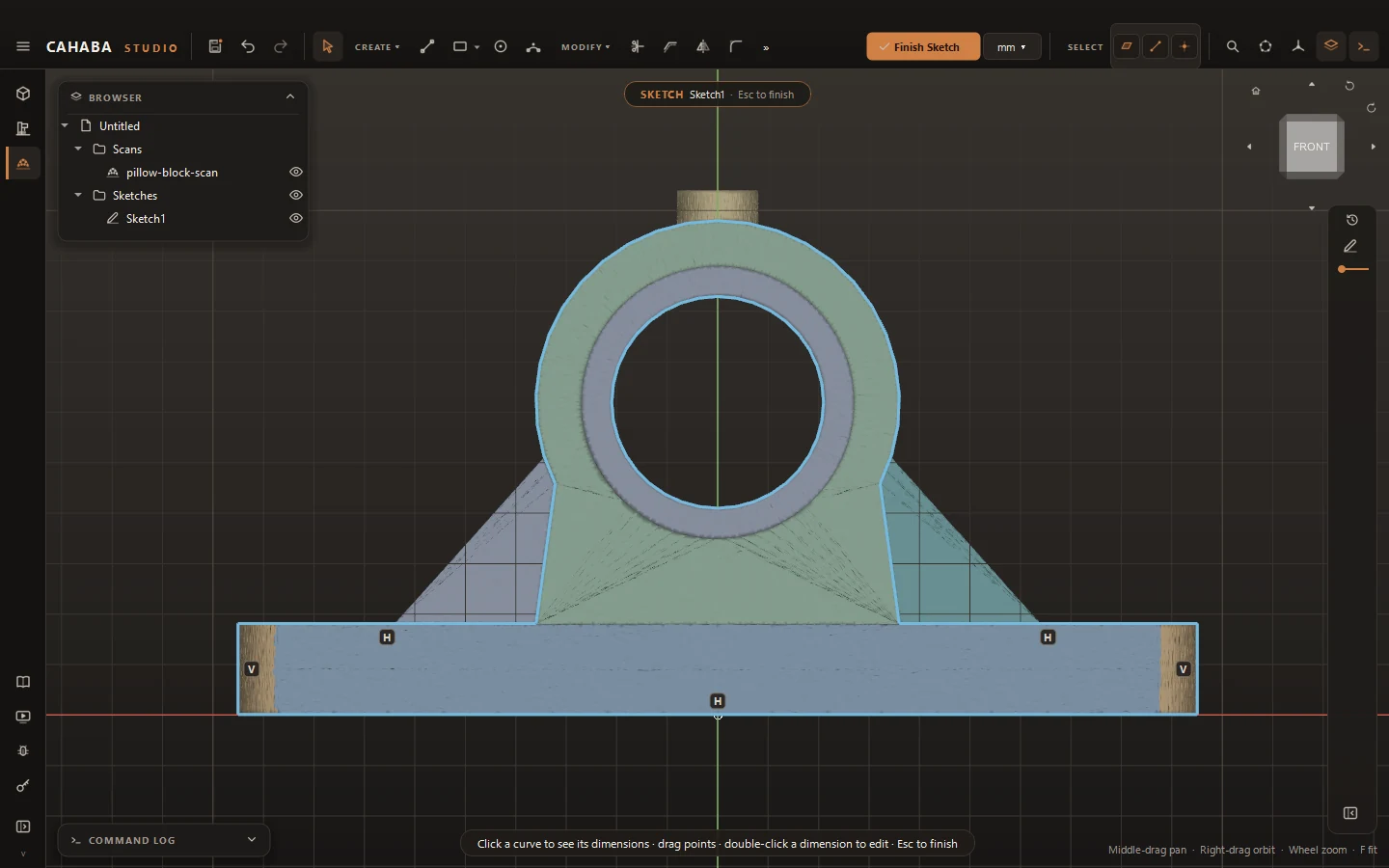
Cahaba Studio: Trace a section
Trace a sectionCut through the scan and get a sketch of clean lines and circles, ready to dimension and extrude.
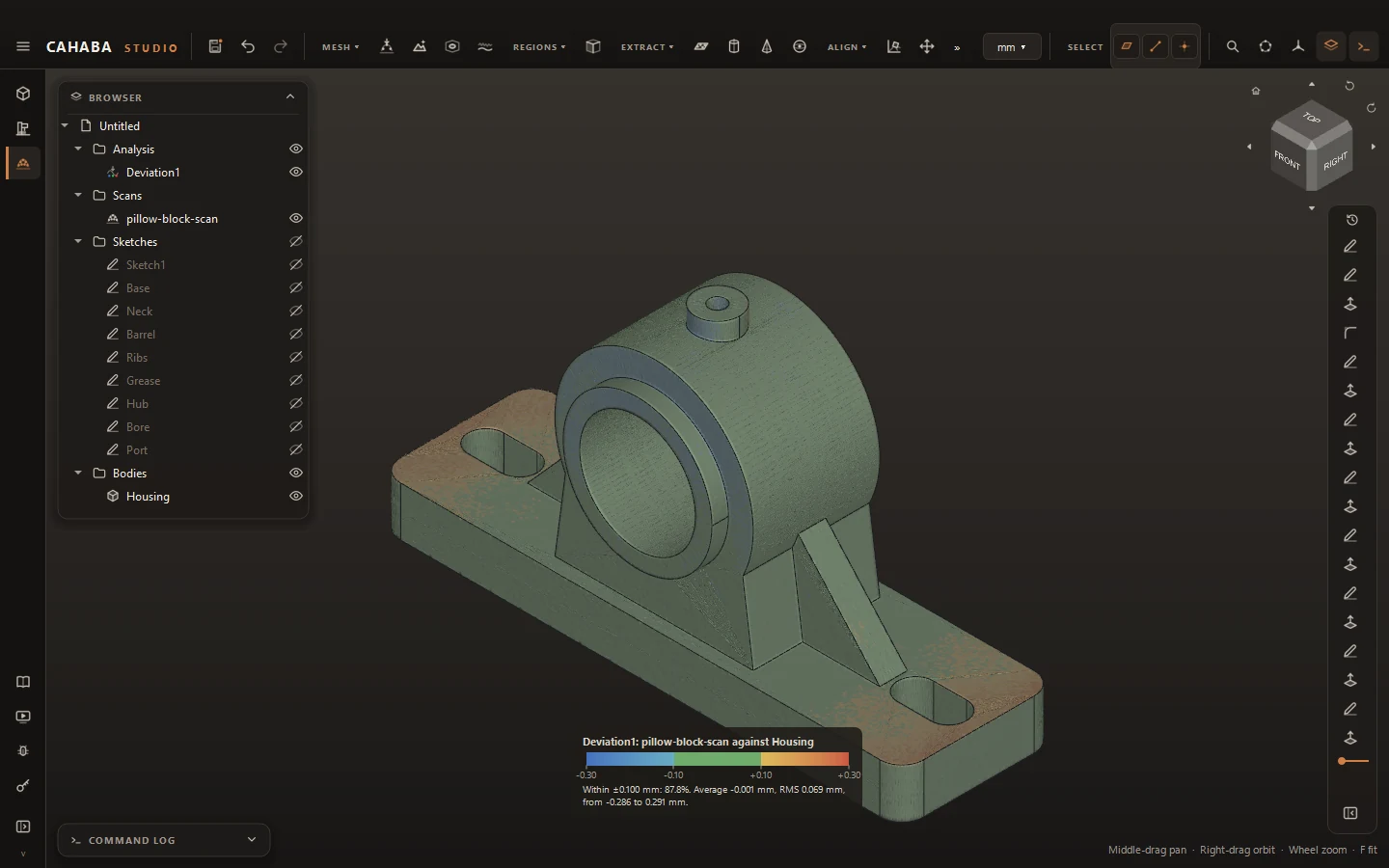
Cahaba Studio: Check it against the scan
Check it against the scanThe rebuilt solid colored by how far the scan sits from it: green is within tolerance, warm is proud.
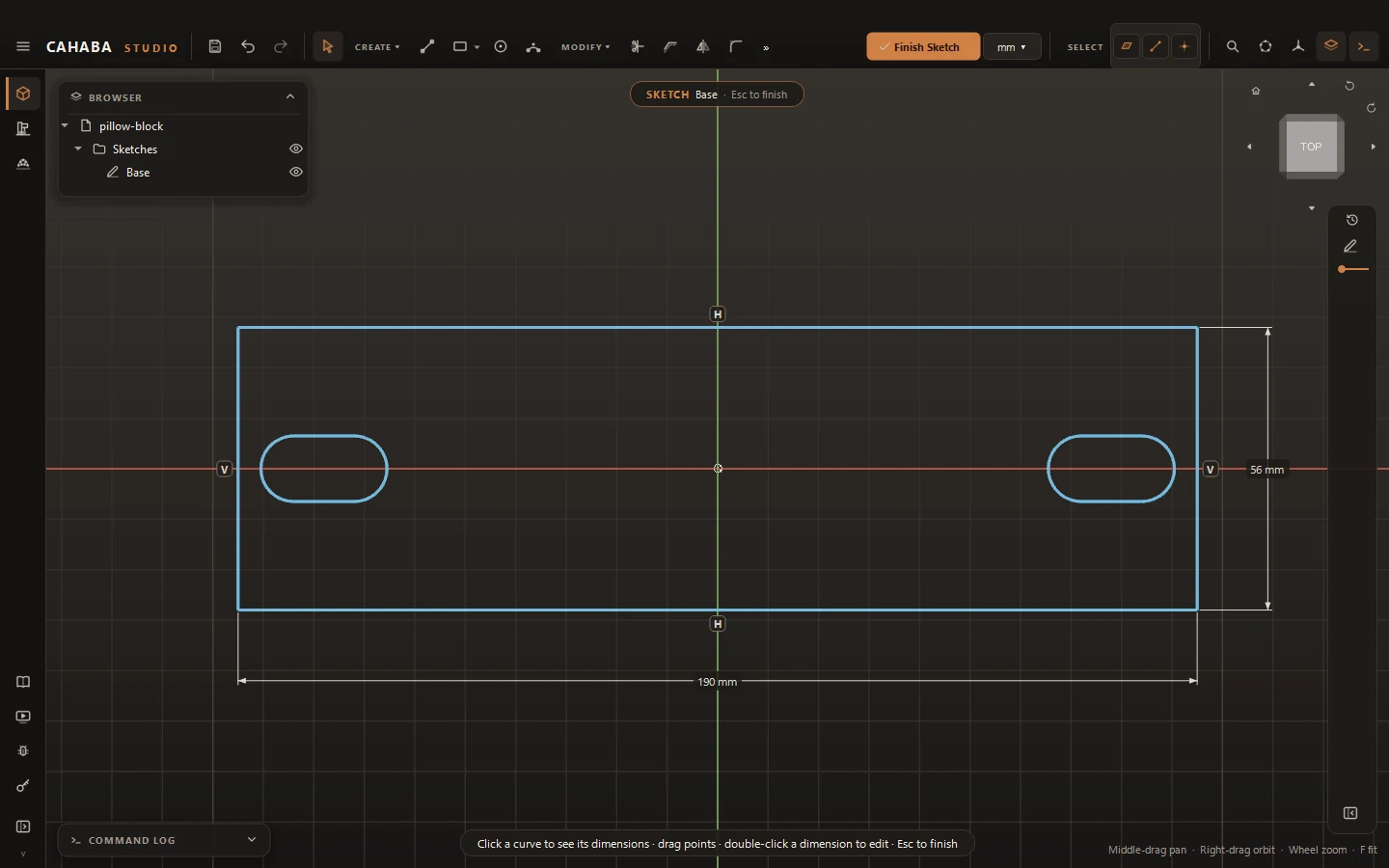
Cahaba Studio: Sketches with dimensions
Sketches with dimensionsConstraints and dimensions hold the shape. Change a number and the geometry follows.
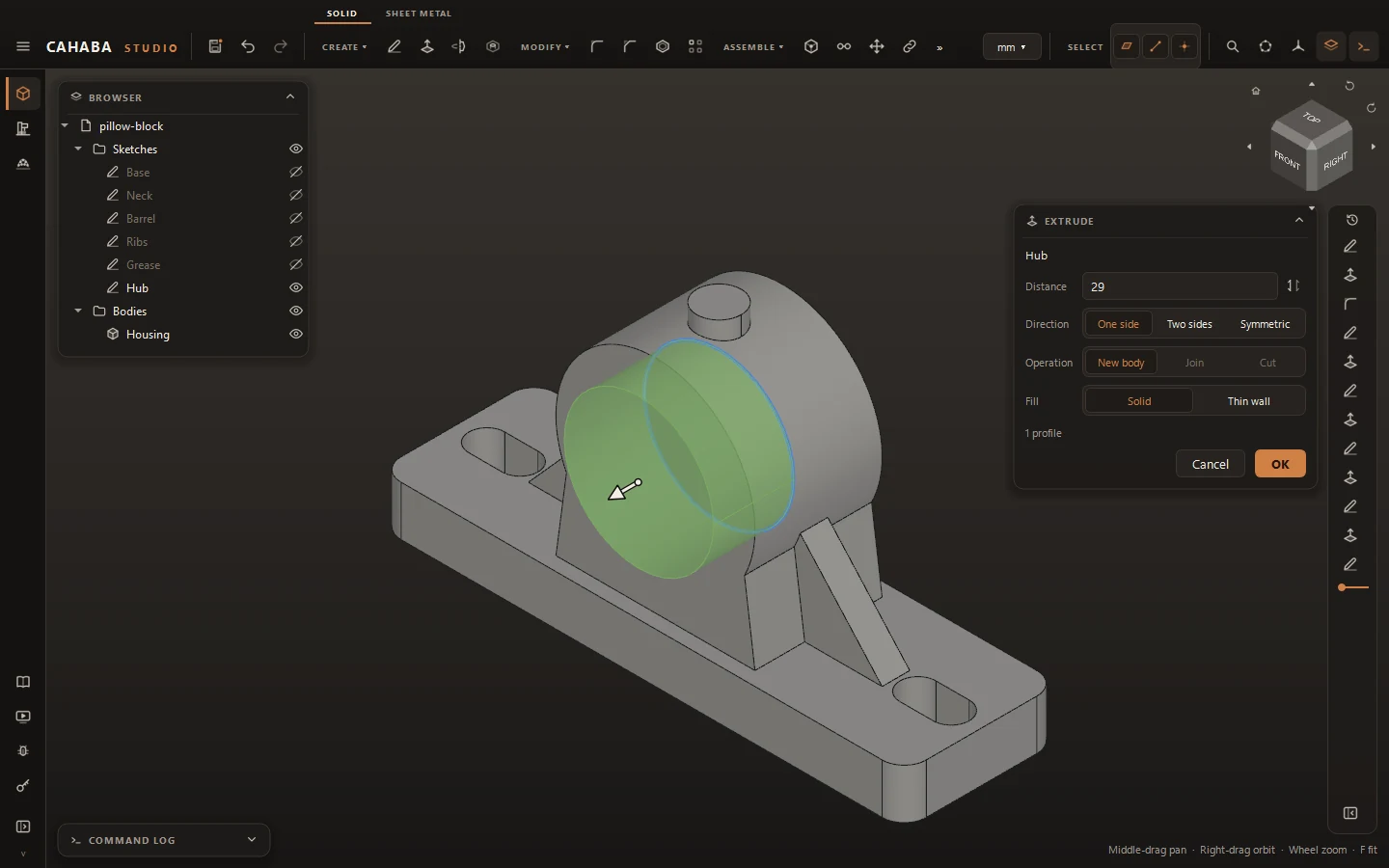
Cahaba Studio: See it before you commit
See it before you commitPreviews show material being added in green and removed in red, with the values right beside the model.
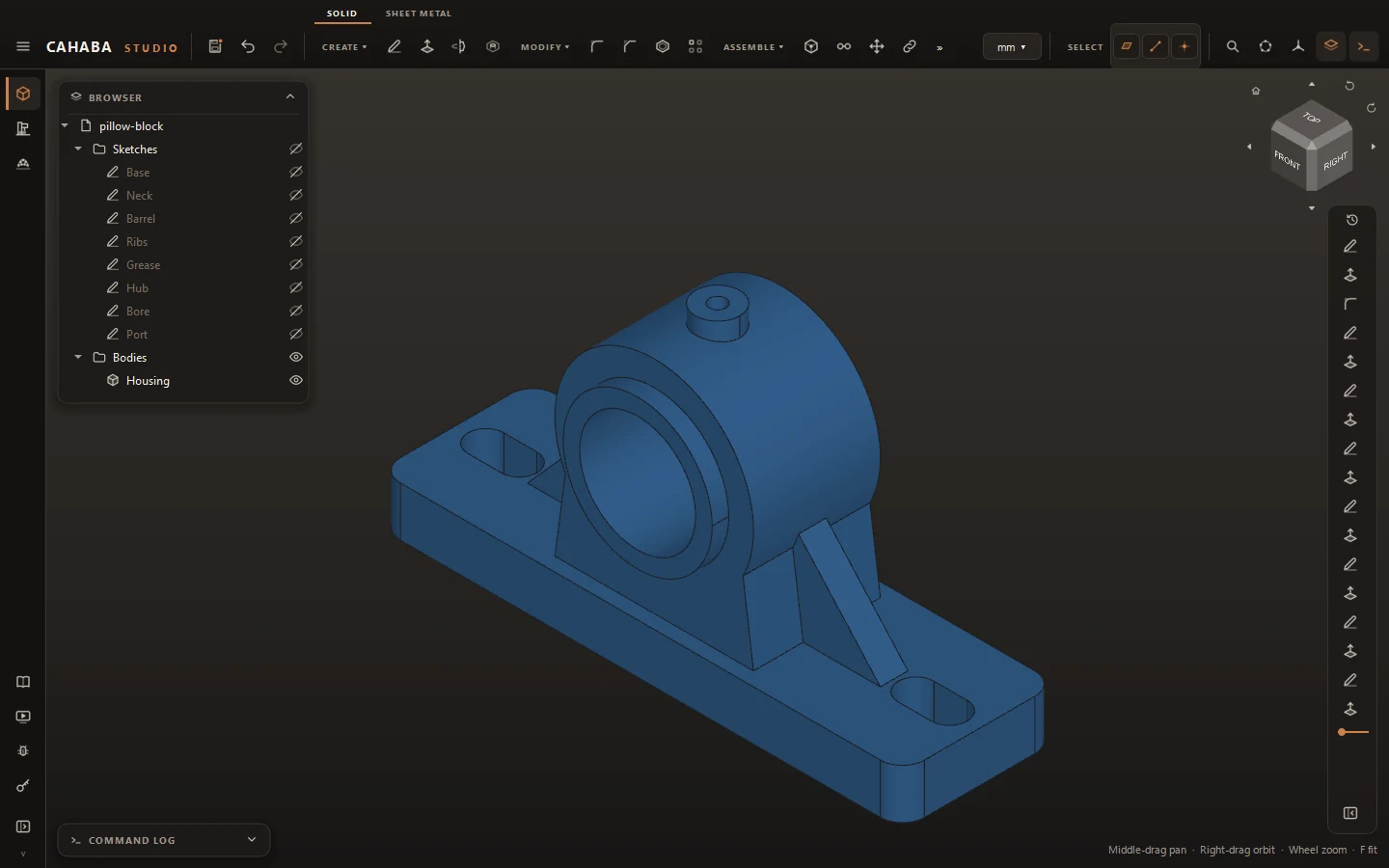
Cahaba Studio: A history you can edit
A history you can editEvery step stays editable: reopen a sketch or a feature and the rest of the part rebuilds.
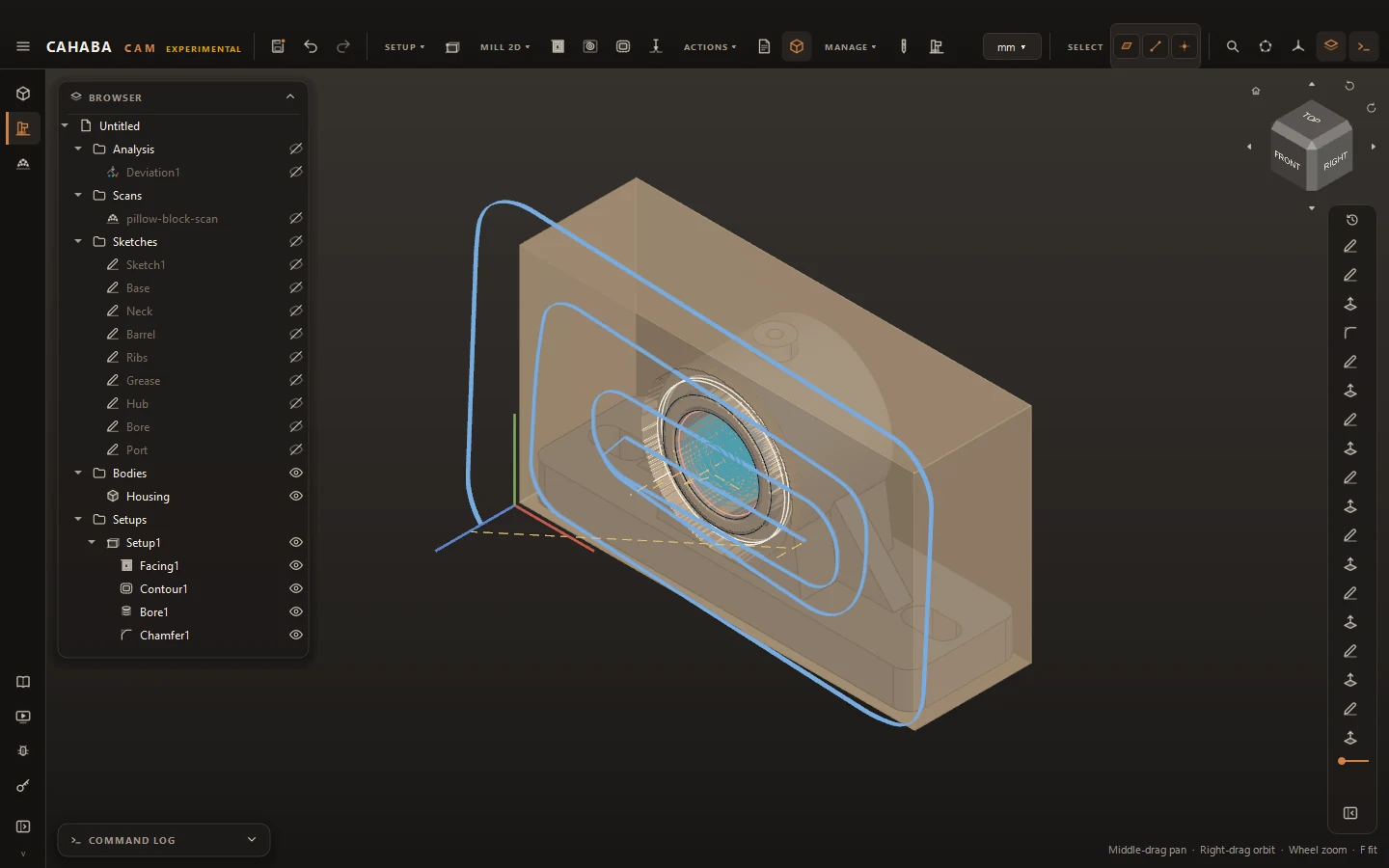
Cahaba Studio: From model to toolpath
From model to toolpathThe solid rebuilt from the scan, set up with the spindle along its bore: facing, a contour, the bore and a chamfer, with the stock that is left. CAM is experimental in this release.
Buy once

Own your software again.

A license is yours forever and includes 12 months of updates. When they run out, keep using the version you have, or renew for another year of new features. Nothing stops working because a payment didn't go through.

How licensing works →
Works with Claude

Model by conversation.

Cahaba Studio has a built-in MCP server, so an AI assistant can sketch, constrain, extrude and measure in your open document while you watch. Every change it makes lands in your undo history.

Read the docs →